Quarto is an open-source scientific and technical publishing system that builds on standard markdown with features essential for scientific communication.
Literate programming system in the tradition of Org-mode, Sweave, Weave.jl, R Markdown, iPyPublish, Jupyter Book, etc.
Origins
Open source project sponsored by Posit, PBC (formerly RStudio, PBC)
10 years of experience with R Markdown (a similar system that was R-specific) convinced us that the core ideas were sound.
The number of languages and runtimes used for scientific discourse is very broad.
Quarto is a ground-up re-imagining of R Markdown that is fundamentally multi-language and multi-engine.
Goal: Computational Documents
Documents that incorporate the source code required for their production
Notebook and plain text flavors
Automation and reproducibility
Computational Engines
Quarto has a pluggable computation system that allows for compatibility with today’s standards along with the ability to evolve to work with new standards:
Knitr
Jupyter
Observable JS
Others possible…
Knitr Engine
For R, Quarto still uses Knitr under the hood. Consequently, the vast majority of existing Rmd files can be rendered unmodified.
Knitr Engine
Jupyter Engine — ipynb
Use with any language that has a Jupyter kernel (Python, Julia, R, many others….). Supports two input file formats:
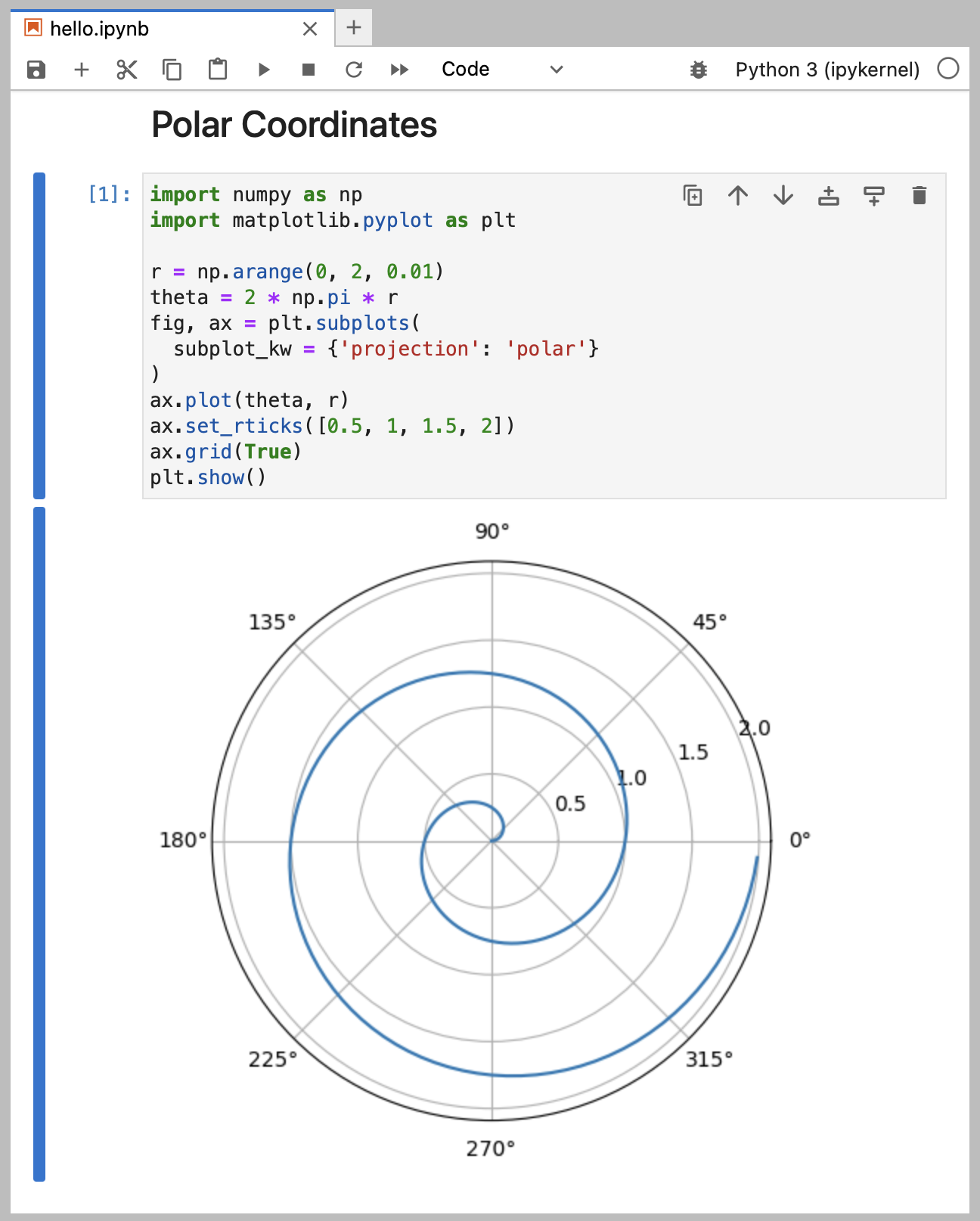
Authoring—Using notebooks as an end-to-end authoring tool for a manuscript.
Computations—Using notebooks as source of reproducible computations for a manuscript.
Publishing—Providing interactive supplements to manuscripts published in print or on the web.
Notebook Authoring
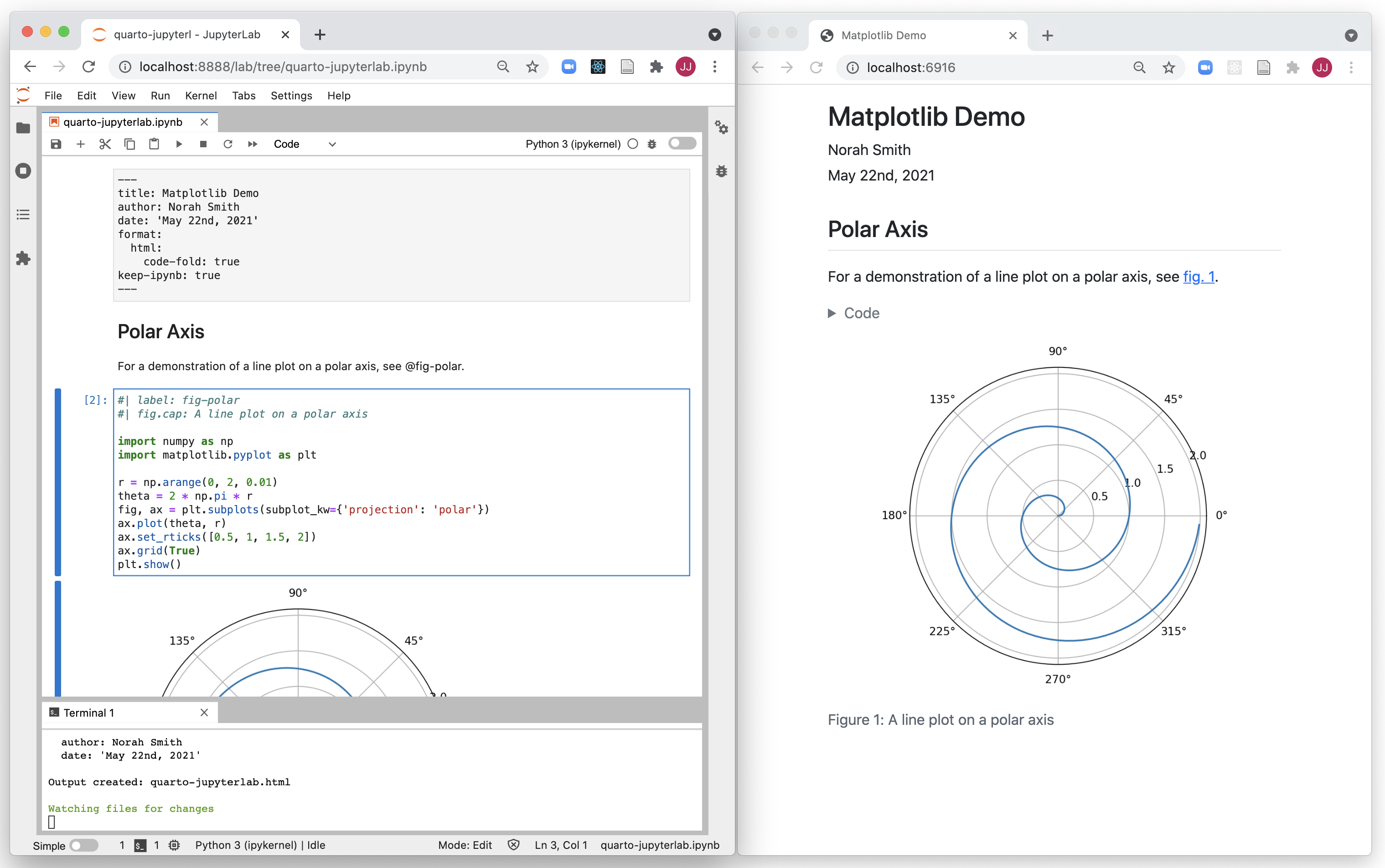
Author the entire manuscript within a notebook editor like Jupyter Lab (side by side preview for HTML or PDF output):
Notebook Computations
Notebook as a computational medium only (as opposed to a medium for both prose and computation)
Staged workflow where computations are embedded within documents for publication (retaining ability to re-execute computations for reproducibility)
Notebook Computations (cont.)
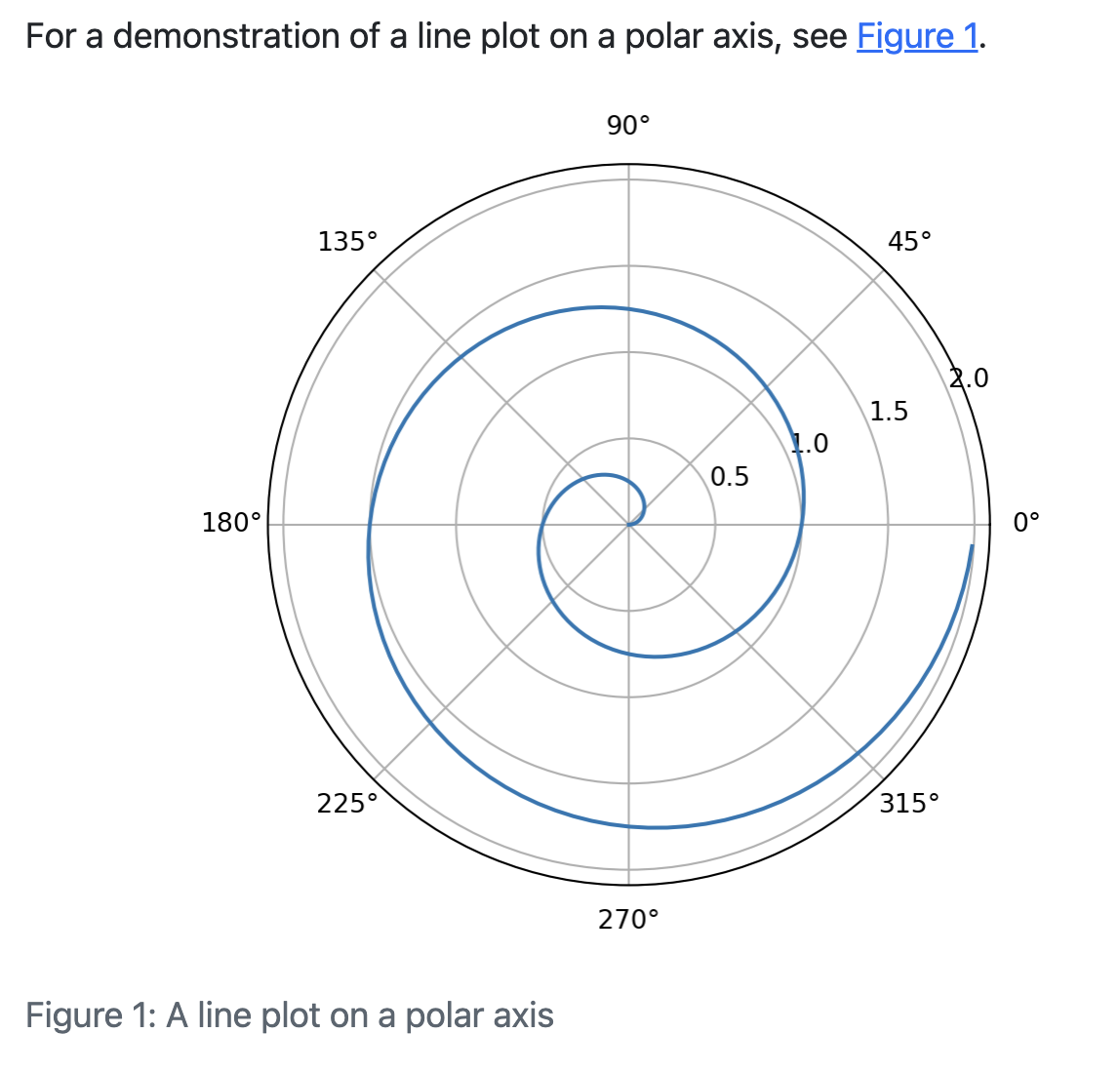
Markdown document embeds figure from notebook:
For a demonstration of a line plot on a polar axis, see @fig-polar.::: {#fig-polar}{{< embed notebook.ipynb#fig-polar >}}A line plot on a polar axis.:::
Notebook Publishing
Create notebook output alongside traditional formats (LaTeX, HTML, etc.). For example, here is metadata for an American Chemical Society article that produces multiple outputs:
format:acs-pdf:keep-tex:truejournal:id: jacsat layout: traditional abbreviations: IR,NMR,UVacs-html:fig-width:6fig-height:4ipynb:fig-width:7fig-height:5